1 Love and Light Center 1 Love and Light Center MacBook Windows
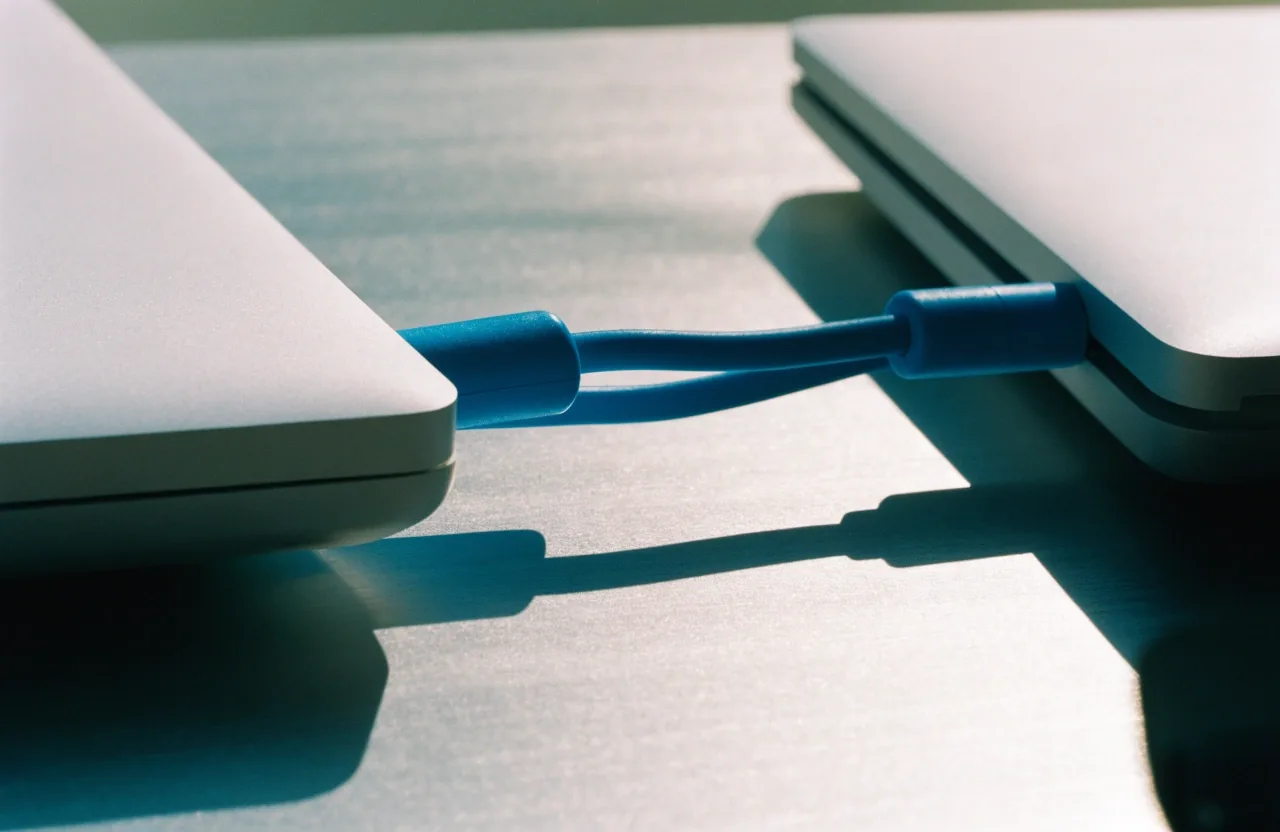
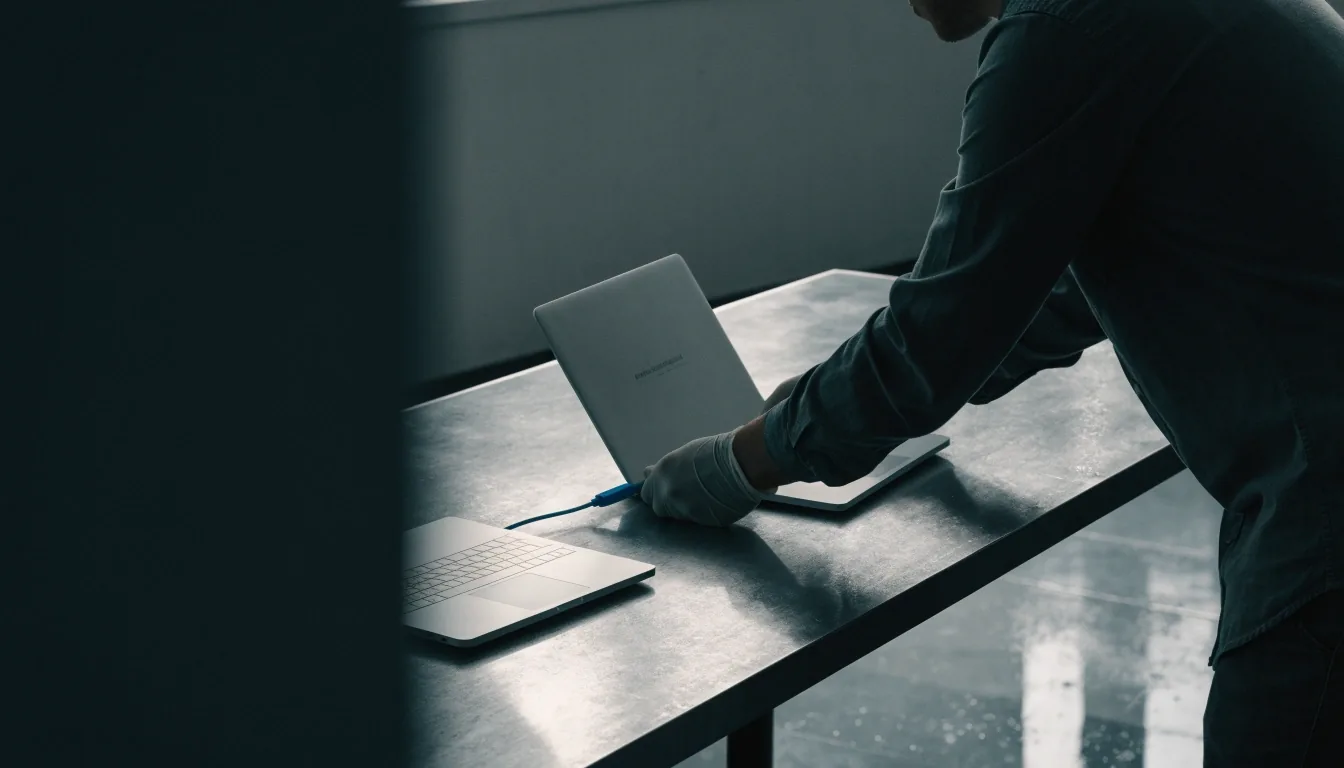
Two laptops bridged by one cable on the testing bench

Contact — Valencia, California

Contact 1 Love and Light Center in Valencia

Every pick checked on Mac and Windows. Use this page to send a question, a correction, or a topic suggestion about MacBook and Windows apps.

Tested by 1 Love and Light Center/Installed on Mac/Installed on Windows/Verdict: we read every message

Write to us

Tell us the app, the platform, and what you expected.

Use this page to contact 1 Love and Light Center with a question, a correction, or a topic suggestion about MacBook and Windows apps. We read every message. For corrections, name the app and platform so we can check both the Mac and Windows sides before we update a post.

A short message with the app name, your platform, and the result you expected is usually enough. If you are reporting a problem with a migration step, say which step you were on and what happened. We do not ask for passwords, license keys, or payment details by email, and you should not send them.

Our address and email

1 Love and Light Center
27026 Maple Tree Ct
Valencia, CA 91381

Email: [email protected]

Postal mail to that address and email to that inbox both reach us. Please use the email address for the fastest reply, and include a subject line that names the app or topic.

Monday to Friday, 9:00 AM to 6:00 PM · Phone: +1 (661) 751-5579

Message to 1 Love and Light Center

Please do not send passwords, license keys, or payment details. We reply by email when a reply is needed and we do not publish private messages or share email addresses.

Tested by us · Installed on Mac · Installed on Windows

Questions and corrections

Questions about MacBook and Windows apps

Tell us which platform you are on and what you were trying to do. The same question can have different answers on each machine, so the platform matters.

On a MacBook
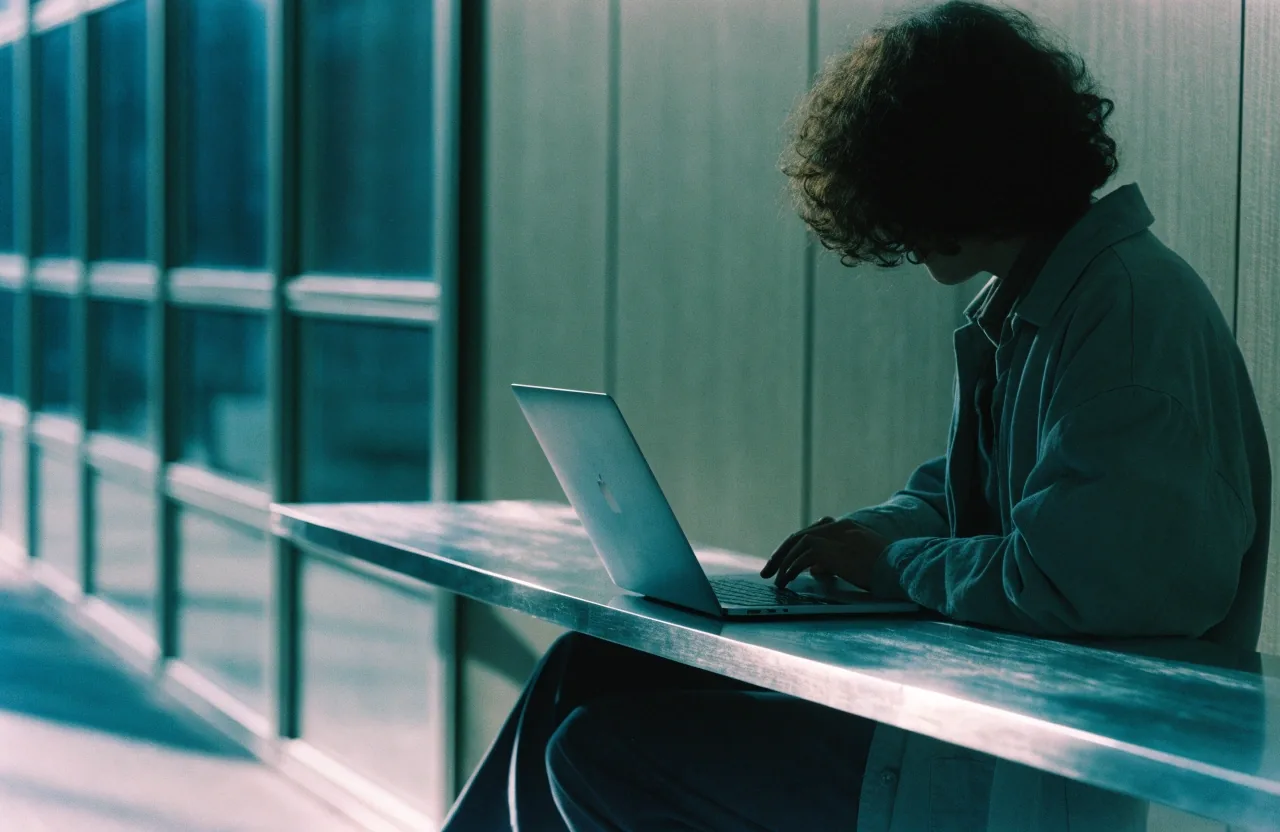
MacBook with an app open on the bench

Questions about Safari, Chrome, Bitwarden, Microsoft Office for Mac, Pages, QuickTime Player, or Windows on Mac are welcome. A question about running a Windows app on an Apple silicon MacBook, for example, needs the app name and whether you are considering a virtual machine or remote desktop.

Installed on Mac · Verdict after both hands

On Windows
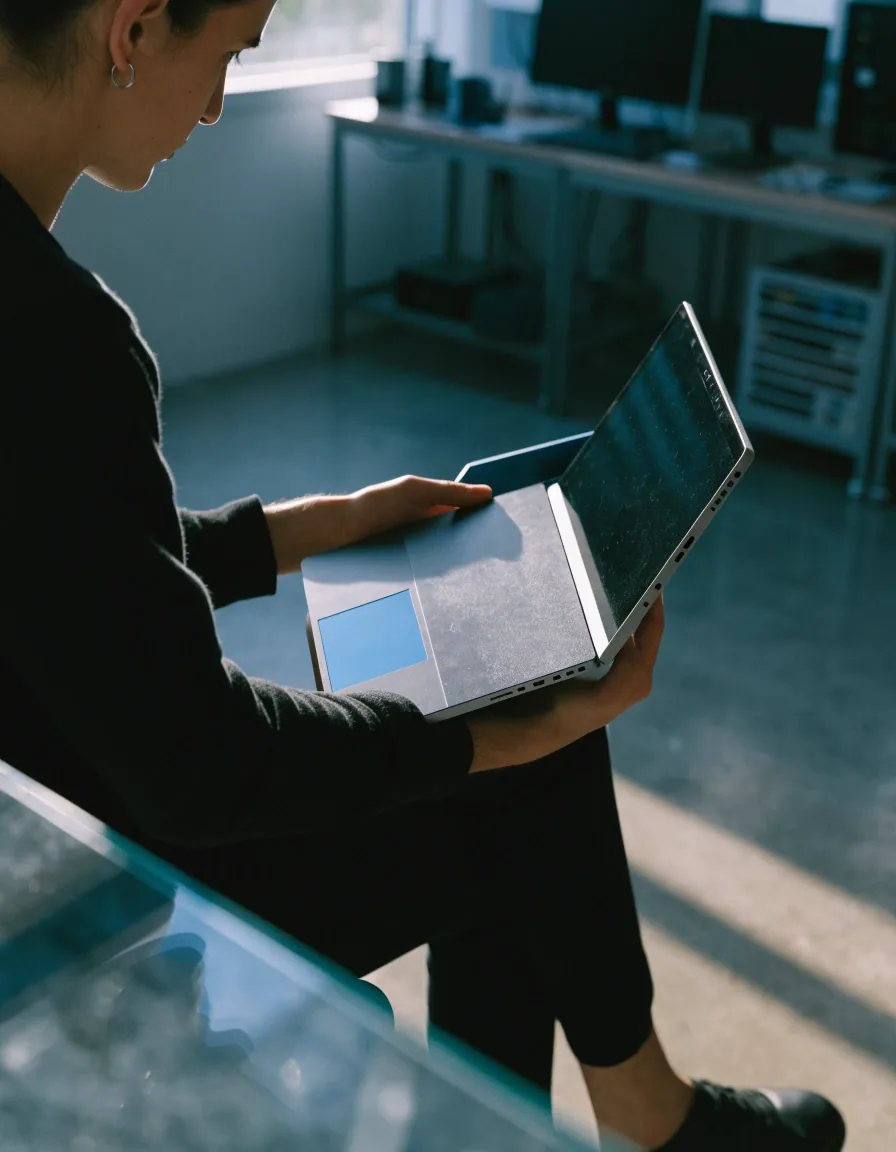
Windows laptop running an app on the bench

Send the same details from the Windows side — the app name, the version if you know it, and what you expected to happen. We check the guidance against the current app behavior before we revise a post, so a clear description saves a round of questions.

Installed on Windows · Verdict after both hands

One bridge — Mac to Windows, then a verdict

Corrections and suggestions

Corrections and updates

If an app update has changed something in our coverage, send the details. We update guides when software changes, and reader corrections help us catch that sooner. Include the app name, the version if you know it, and a short description of what changed.

Topic suggestions

We cover cross-platform compatibility, migration, and Windows on Mac, so suggestions in those areas fit best. A head-to-head comparison within one category, such as two browsers or two office suites, is the kind of topic we can act on. Suggestions outside our scope may still be read, but we may not be able to cover them.

Close detail of the cable joining two laptops

What to include in your message

  • App nameName the exact app. Short names help, but the full name avoids confusion when two apps share a word.
  • Your platformSay whether you are on a MacBook, a Windows machine, or both. We check both sides before we update a post.
  • What you expectedSay the result you expected, then what happened instead. That contrast is what we need to reproduce the issue.
  • Which step you were onFor a migration problem, say which step you were on and what happened at that step. Step numbers from the guide are fine.
Tested by/Installed on Mac/Installed on Windows/Verdict

For the fastest reply, email [email protected] with a subject line that names the app or topic. Postal mail to 27026 Maple Tree Ct, Valencia, CA 91381 also reaches us.

What happens after you write

We review messages in order and reply by email.

Simple questionsSimple questions get a direct answer. If we need more detail, we will ask for the app name and platform rather than guessing.

Corrections that check outCorrections that check out lead to an updated post. We check the guidance against the current app behavior on both machines before revising it.

Topic suggestionsTopic suggestions are added to our editorial list and may become a news item, a guide section, or a head-to-head comparison.

We do not publish private messages or share email addresses. Your message stays between you and 1 Love and Light Center in Valencia.

Tested by 1 Love and Light Center/Installed on Mac/Installed on Windows/Verdict: every pick checked on Mac and Windows

Find us in Valencia, CA

1 Love and Light Center, 27026 Maple Tree Ct, Valencia, CA 91381. Email is the fastest route — [email protected] — and you can also call +1 (661) 751-5579, Monday to Friday, 9:00 AM to 6:00 PM.

Two closed laptops resting on the bench in daylight